Quote the job before you leave the driveway.
Photo in. Finished job out.
True to scale, true to colour, true to the manufacturer.
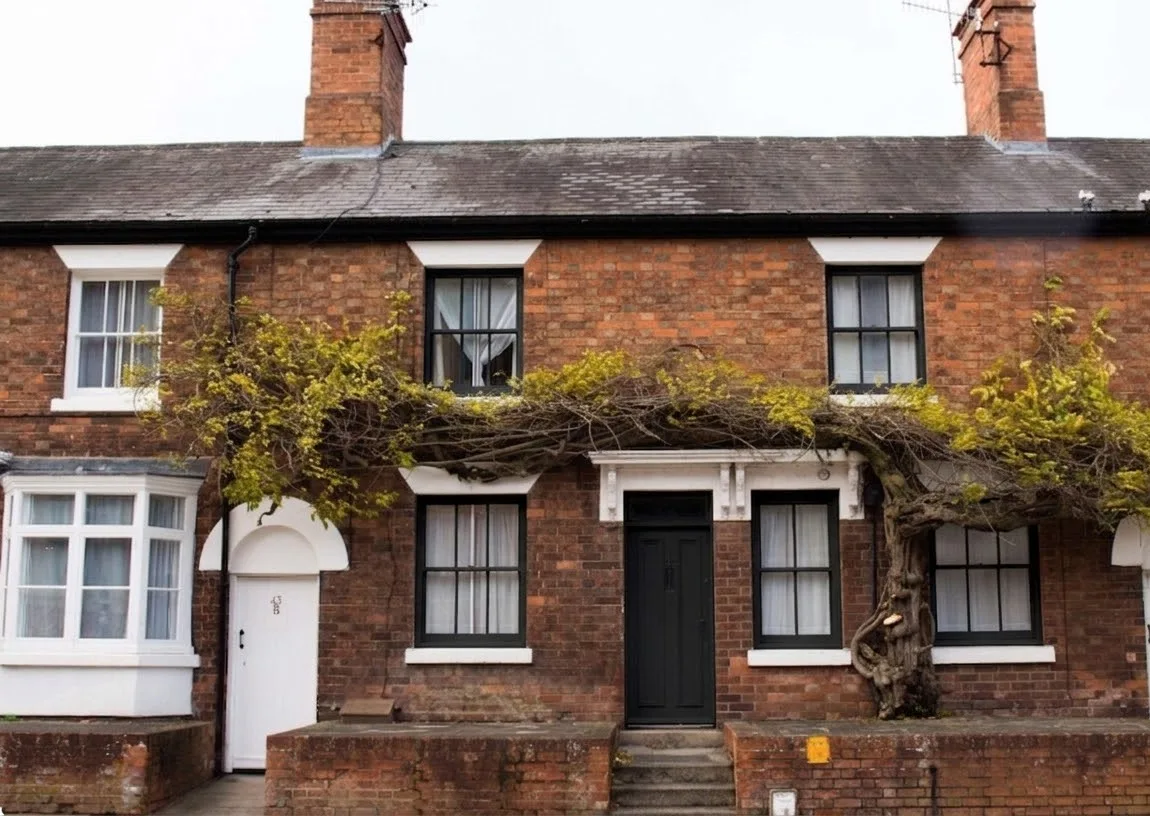 Proposal sent
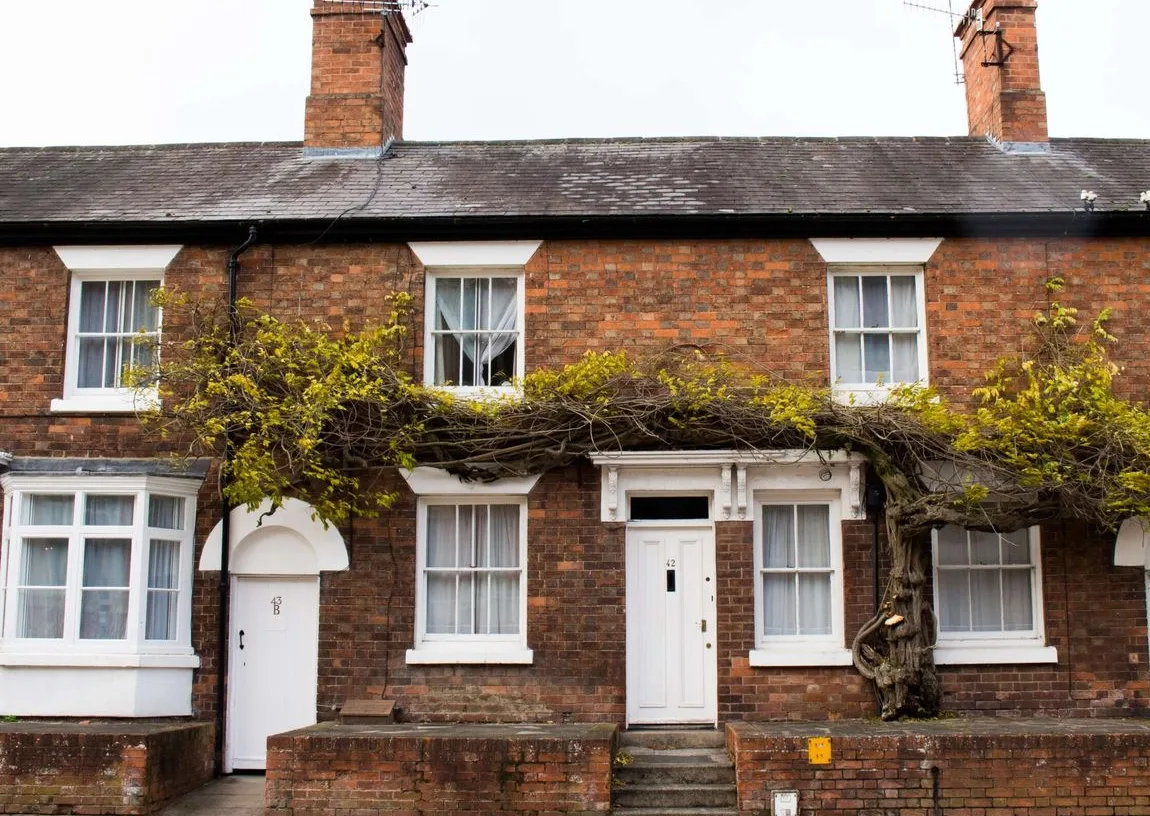 Proposal sent
Define the product type, dimensions, and hardware for each pinned item.
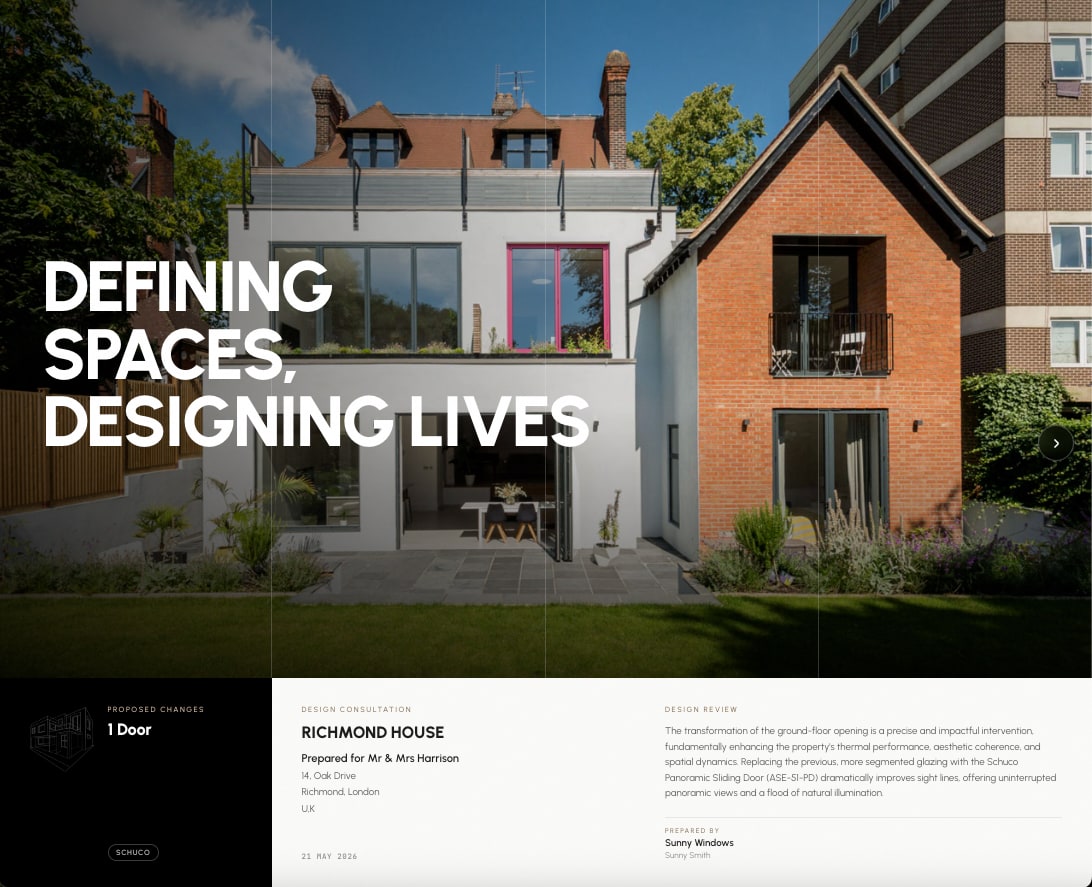
The architecture of tomorrowThe proposed windows replace the existing frames with slimmer aluminium sections, keeping the original opening sizes and the proportions of the facade.
Prepared byYour Company LtdYour proposal for replacement windows in a bright yellow finish is likely to be refused, primarily due to the inappropriate colour for a property within a Conservation Area and World Heritage Site.
Why it's a risk: Local policy and precedent consistently require traditional colours in conservation areas to preserve the character of the street.
How to fix it: Propose a conservation-appropriate colour, such as white, cream or a dark muted tone.
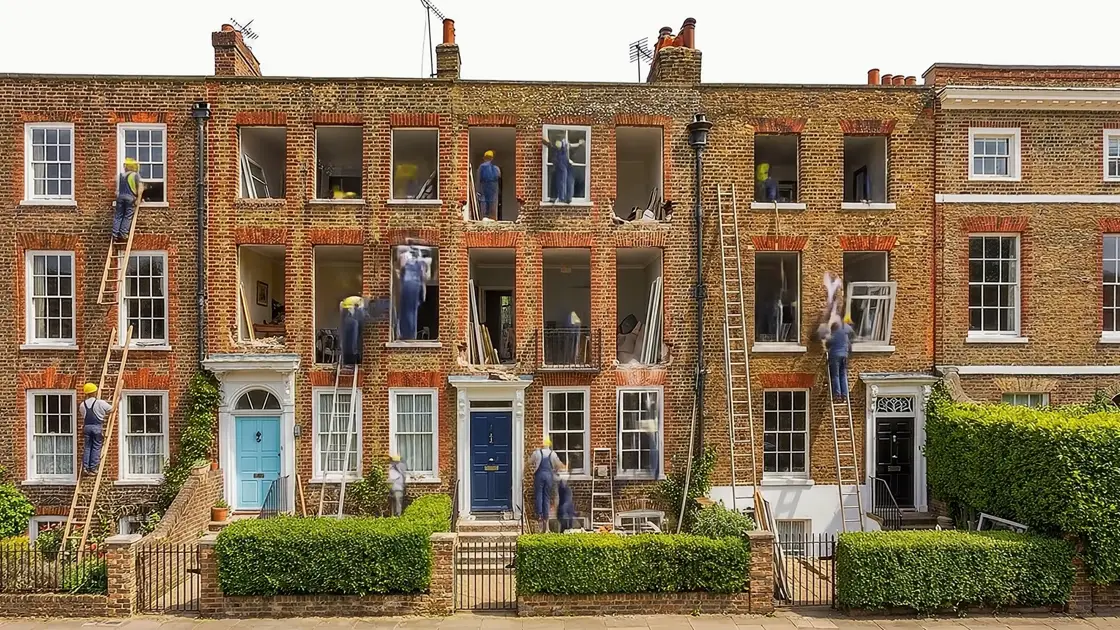
You walk in with a photo. You leave with a signed deal.
Unformed turns a phone photo into a customer-ready brochure with two design options, a quote, and an invoice link — before you leave the driveway. The customer sees what they're buying. You see the deposit hit your inbox. Add the Building Works render for extensions and lofts, and a UK Planning Review, whenever you need them.
45+ leading manufacturers · 800+ products in the catalog · UK · US
They see exactly what they're buying.
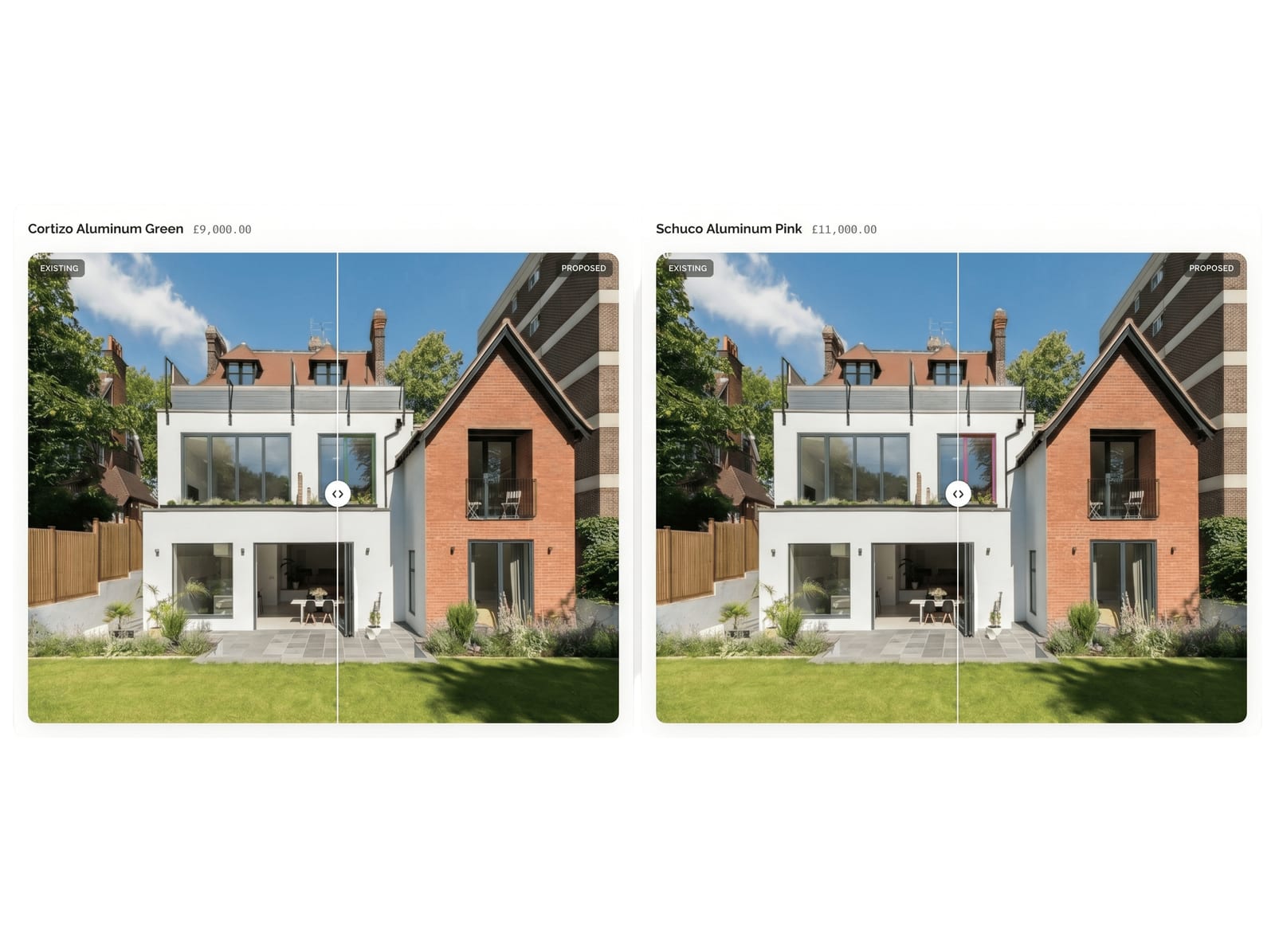
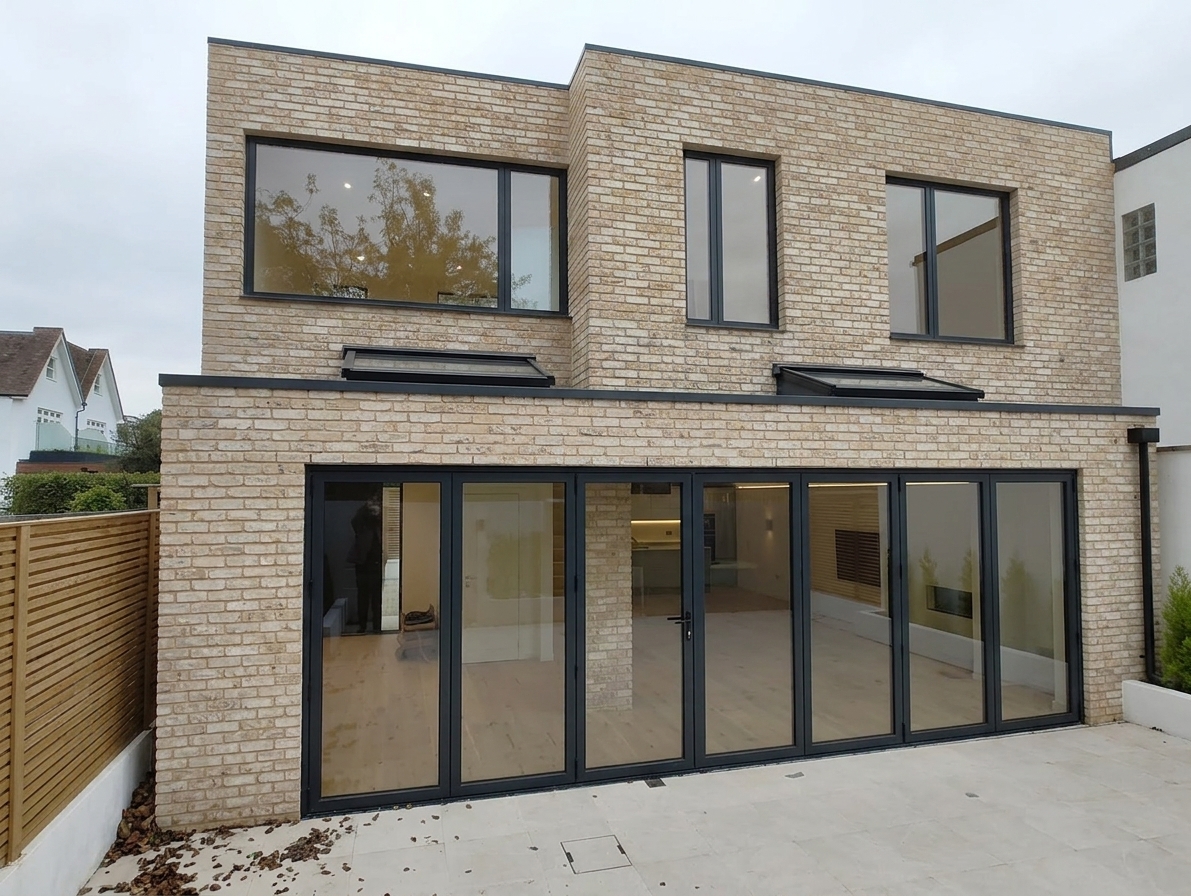
Photo of the house in. Same house out — with the new windows or doors dropped in true to scale, true to colour, true to the manufacturer. No artist's impression. No 'we'll come back to you'. The customer signs off in the kitchen.
- Brand
- AluK
- Type
- ALUK-58ST
- Colour
- Black
Two choices. One yes.
Quote a master option and an alternate side-by-side. The customer drags a slider, picks the one they like, and the quote updates. You stop sending three follow-up emails.
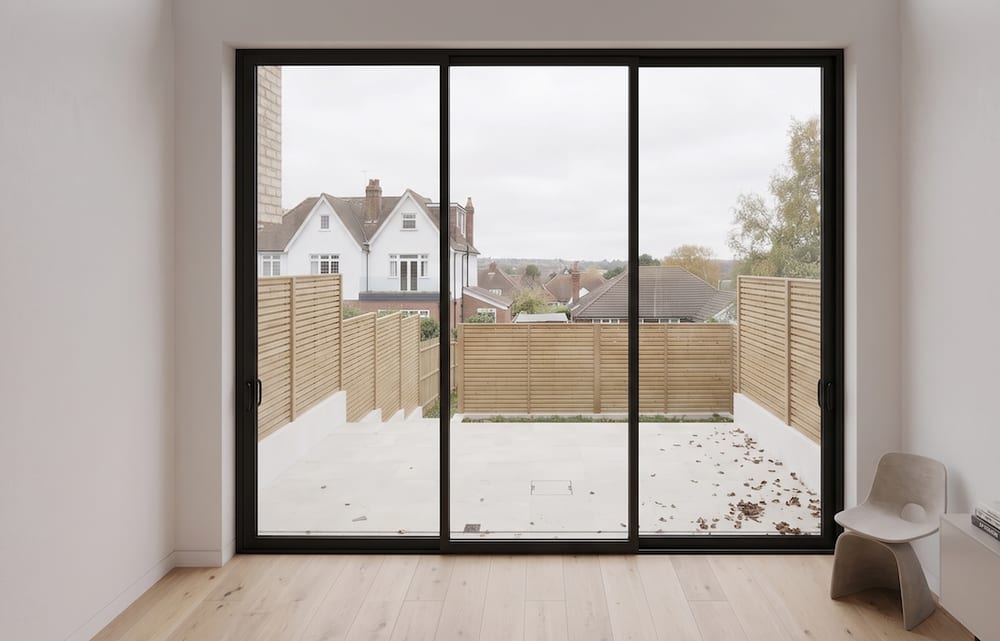
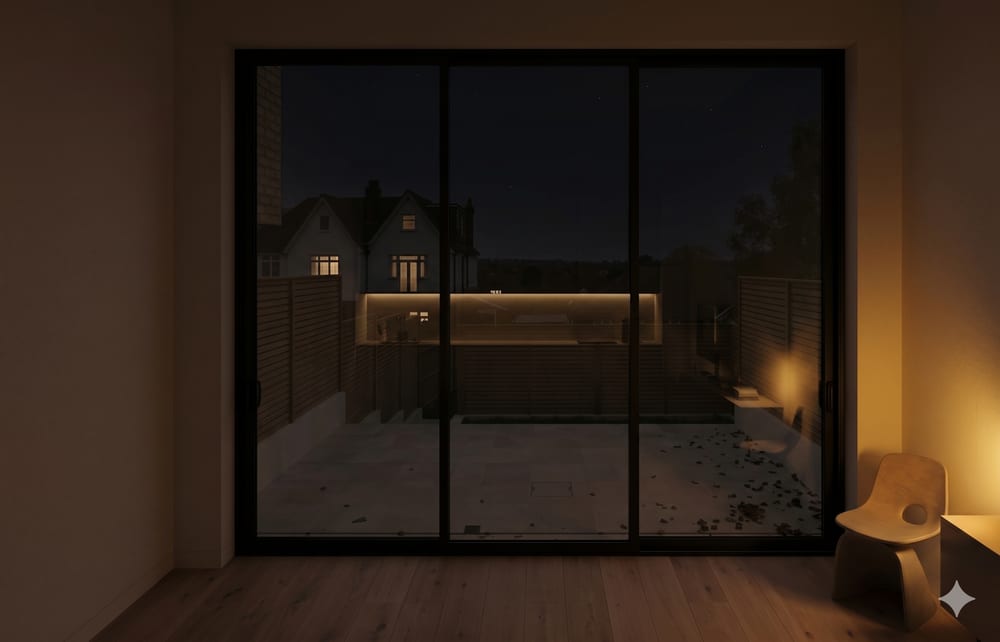
Show them the view from the sofa, morning and night.
A second photo, taken inside the room, becomes a morning interior render and an evening one. Lamps glow, the room dims, the new window stays pixel-true. It's the moment they decide it's worth the spend.
Every job tracked, start to signed-off.
Set milestone dates — survey, manufacture, installation, completion. Move projects through your pipeline from In Progress to Secured. Every stage, every date, and every customer in one place. No spreadsheets. No chasing.
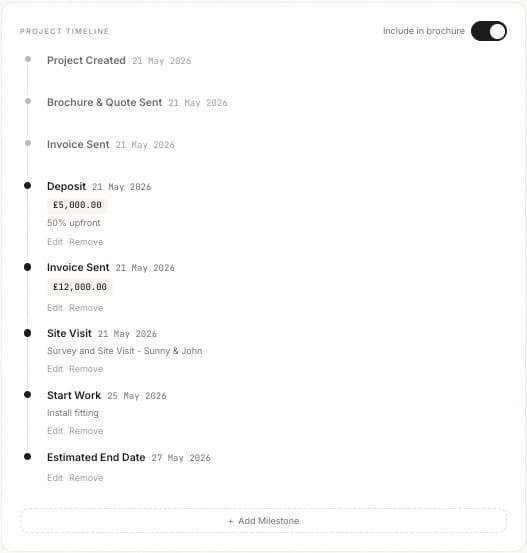
Photo to deposit in under two minutes.
From a phone snap to a signed quote and an invoice ready to send. Itemised line items, VAT or sales tax, auto-numbered invoicing. The deposit request goes out before you leave the driveway.
A brochure with your name on it. On their phone in seconds.
Hand them a link. Your logo, your colours, your contact details — wrapped around the renders, the spec, the quote, and the timeline in a scrollable web brochure that looks designed, not generated. Bespoke for every customer. No PDF attachments, no 'did the email come through?'. Just a link they open at the kitchen table.
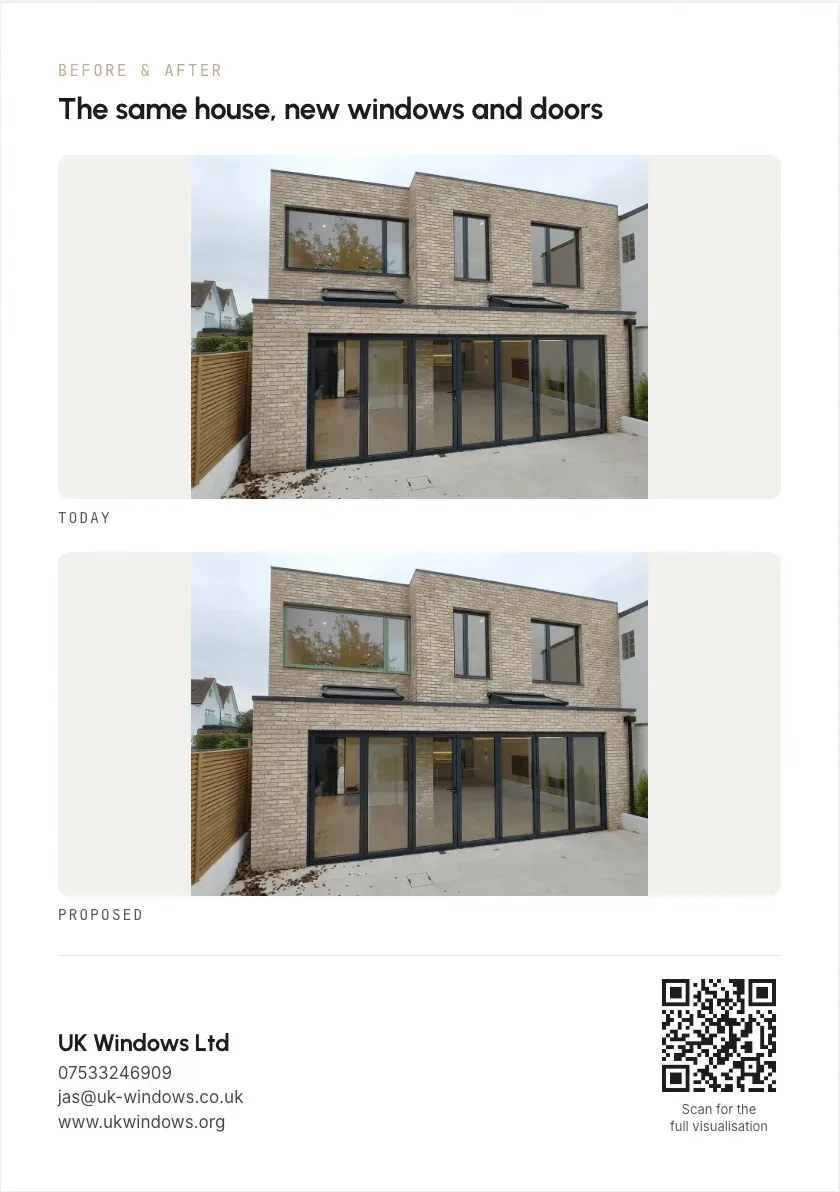
Post their own house through their letterbox.
Photograph a house on the street you're already working, render new windows on it, and print a two-sided A5 leaflet. The homeowner opens a picture of their own home, scans the QR code, and lands on the full interactive before-and-after. Direct mail where the creative is the address you posted it to.
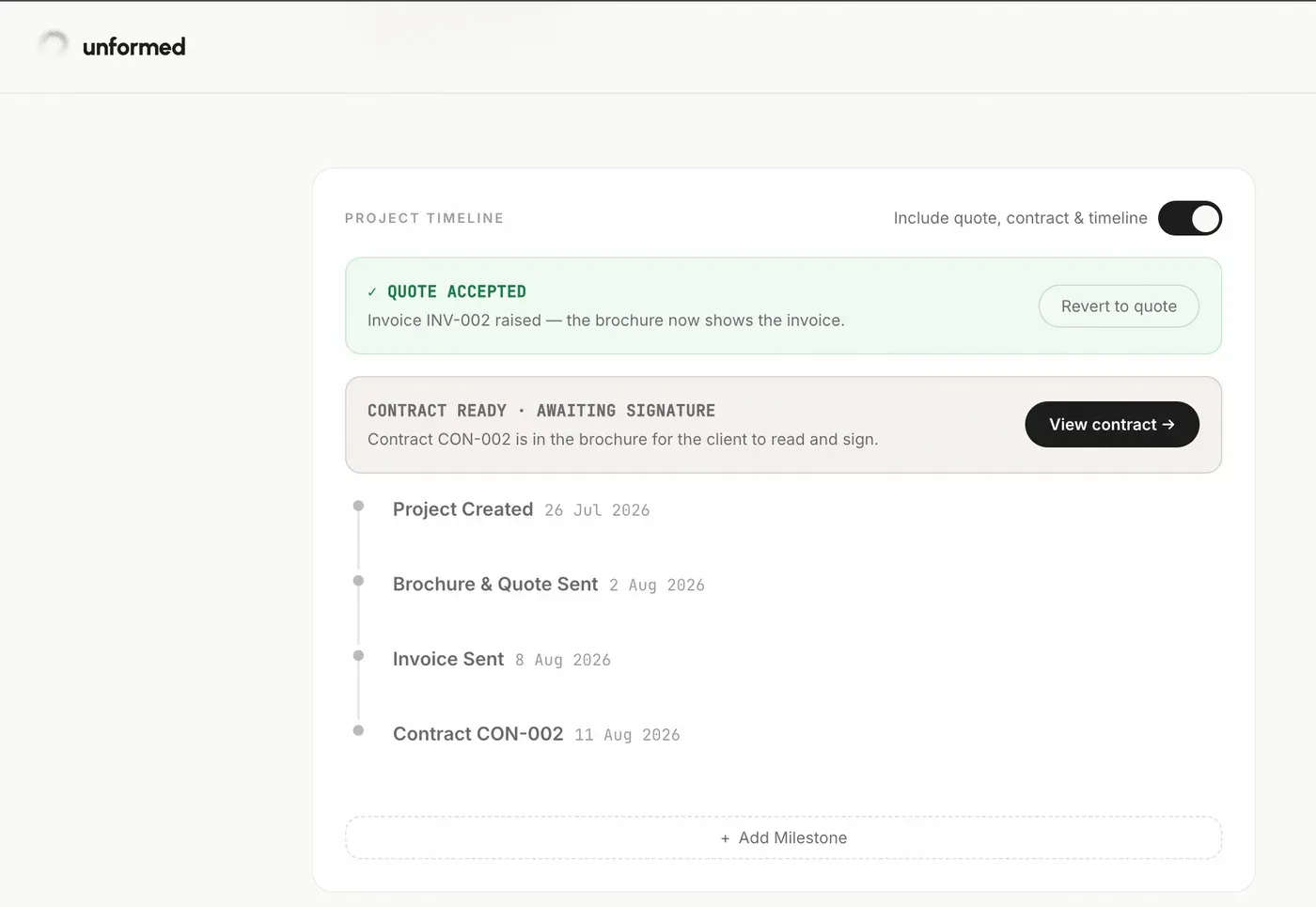
Signed before you've left the drive.
Once the customer accepts the quote, raise a contract in a click. It lands in the same brochure they already have open — products, prices, timings and terms filled in from the job. They type their name to sign, it's timestamped, and it drops straight onto your project timeline. Start from our standard template, add your own terms, and run it past your solicitor whenever you're ready.
Not just windows. Reimagine the whole job.
Add the Building Works render and visualise extensions, lofts, porches and improvements too. Photo of the house in, the finished works out — built straight onto your real property photo so the rest of the house stays exactly as it is. No drawings to interpret, no artist's impression. The same branded brochure, quote and invoice as a window job.
Planning anxiety, gone.
An AI planning expert reads your scheme, checks it against permitted-development (GPDO) and NPPF rules, researches how your own council has decided similar cases, and hands back a risk-ranked report of what they're likely to flag — and exactly how to fix it. Go into your application knowing where you stand.
- Permitted-development (GPDO) + NPPF checks on your actual drawings
- Live research of your council's recent decisions, by postcode
- A plain-English, risk-ranked report — share it as a branded brochure
- Built into the same tool as your renders, quotes and invoices
Homeowners
Before you commit to drawings or fees, see whether your project is likely permitted development — and what a council would query.
More for homeowners →Builders & tradesmen
Walk into the quote already knowing the planning risk. Win the job and protect your margin from costly resubmissions.
More for builders & tradesmen →Architects & engineers
Sense-check a scheme against GPDO and NPPF in minutes, with live local precedent — a fast second opinion before you submit.
Built around the planning rules of every UK local planning authority — 300+ councils
Four steps. Two minutes. One closed deal.

Snap or upload
A single photo of the property. Phone camera is fine. Drag four corners around each window or door you want to change.

Spec the product
Pick a brand and product from the catalog. Set frame colour, glass, hardware. We auto-fill what we can.

Render in seconds
Per-object inpainting builds two options at once. Master and alternate. Realistic, plus a stylised version if you want.

Share, quote, invoice
One link goes to the customer. They scroll. They pick. You generate the invoice from inside the brochure.
Free to start. Fair to scale.
Start with one free render on a job you are quoting this week. Upgrade when you want the watermark gone and the brochure in your own name.
Monthly plans cancel any time.
Everything you need to quote a window or door job and close it on the spot.
- Unlimited window & door renders
- Pick from 45+ leading window & door brands · 800+ products
- Realistic + coloured-sketch renders
- 2 customer options per project
- Interior morning + evening renders
- No watermarks
- Branded brochure + quote + invoice
- Contract builder with online signing
- Campaign door-drop leaflets
- Project timeline
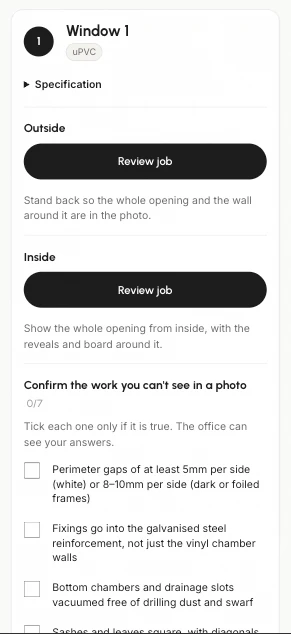
- Installer links with AI photo checks
- 24-hour support, and we render complex jobs for you free
Win the bigger jobs — extensions, lofts and porches, not just glazing.
- Photoreal renders of extensions, lofts, porches & improvements
- Built straight onto your real property photo — the rest of the house stays exactly as it is
- No photo? Render directly from architect or structural drawings
- The same branded brochure, quote & invoice as a window job
A one-of-a-kind AI planning expert that reviews your scheme before you submit.
- Tells you what a council is most likely to object to, and what to fix first
- Reads your drawings and checks them against permitted-development (GPDO) + NPPF rules
- Live research of how your own council has decided similar cases — by postcode
- Risk-ranked report: what a council is likely to refuse, and how to fix it
- Shareable, client-branded planning brochure
USD prices are indicative and confirmed at checkout.
- 1 free render
- See exactly how Unformed works
- Watermarked share link
- Email support
- Upgrade anytime
- Everything in Pro
- Multi-seat (5+ users)
- White-label brochure
- Custom catalog ingestion
- API access
- Onboarding + dedicated CS
Questions, before you ask.
How accurate are the renders?
Do my customers need an account to view the brochure?
Can I add my own products and brands?
What about VAT and international currencies?
Is my customer data safe?
Can I render extensions and lofts, not just windows and doors?
What does the Planning Review add-on do?
What is the AI installer companion?
What if my job is too complex for the AI?
Can I cancel anytime?
What if I choose annual and it is not right for me?
Design the unformed.
Render windows, doors and extensions from a single photo, check planning risk, and send a branded brochure, quote and invoice — everything you need to win the job, in minutes.