Choosing products & colours
For each opening you can specify the exact product you’re quoting — brand, style, colour and configuration — so the render matches what the customer will actually get.
Watch the walkthrough — or follow the written steps below.
Select a pin
On the configure step, pick a pinned opening to set its specification.
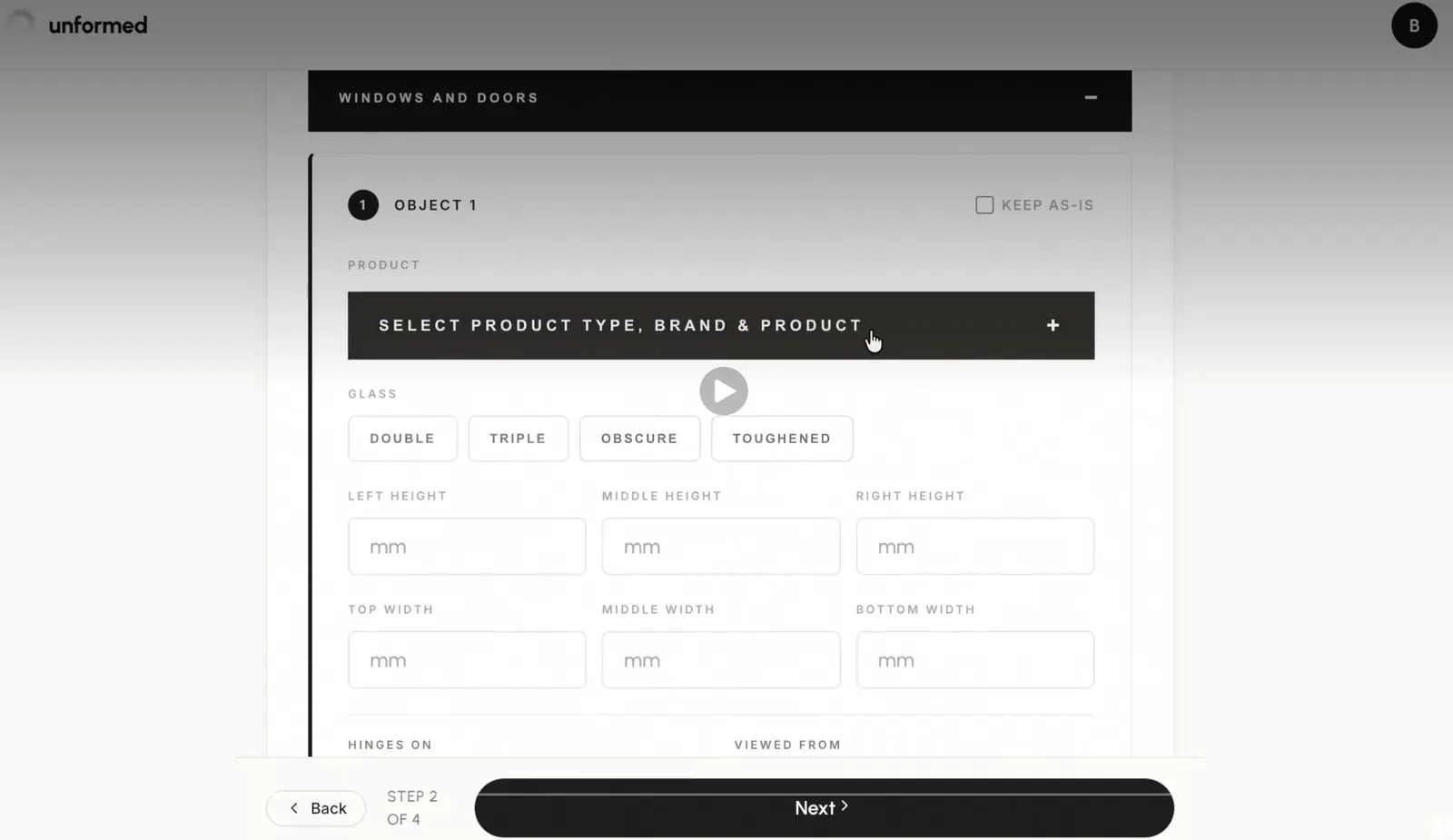
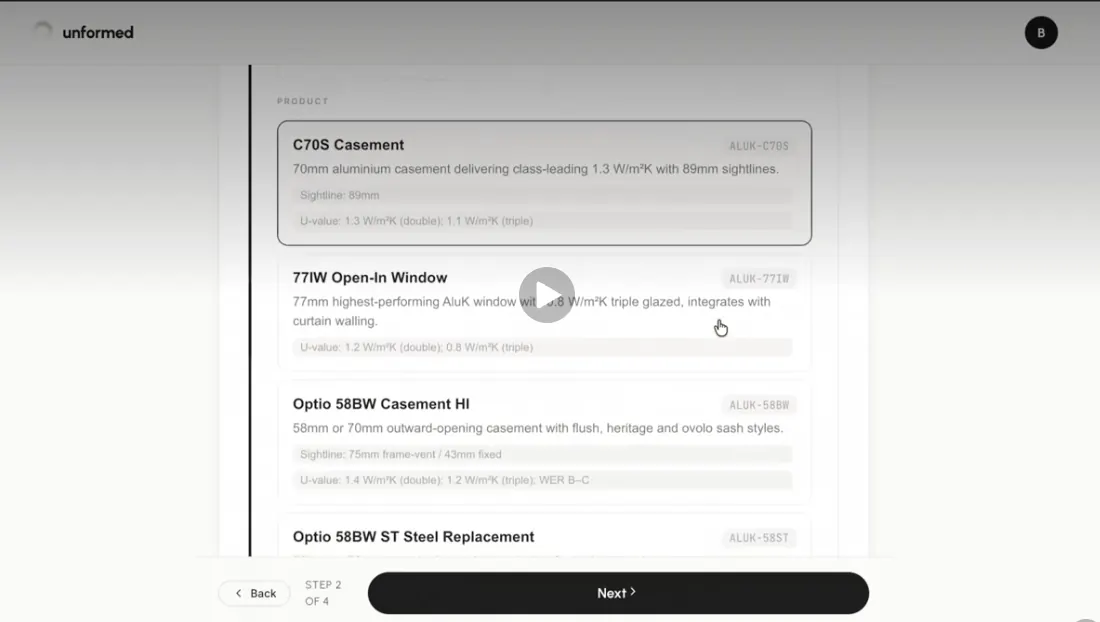
Choose the product
Set the product type (e.g. casement, sash, bifold), then pick the brand and product from the catalogue — or describe a custom product.
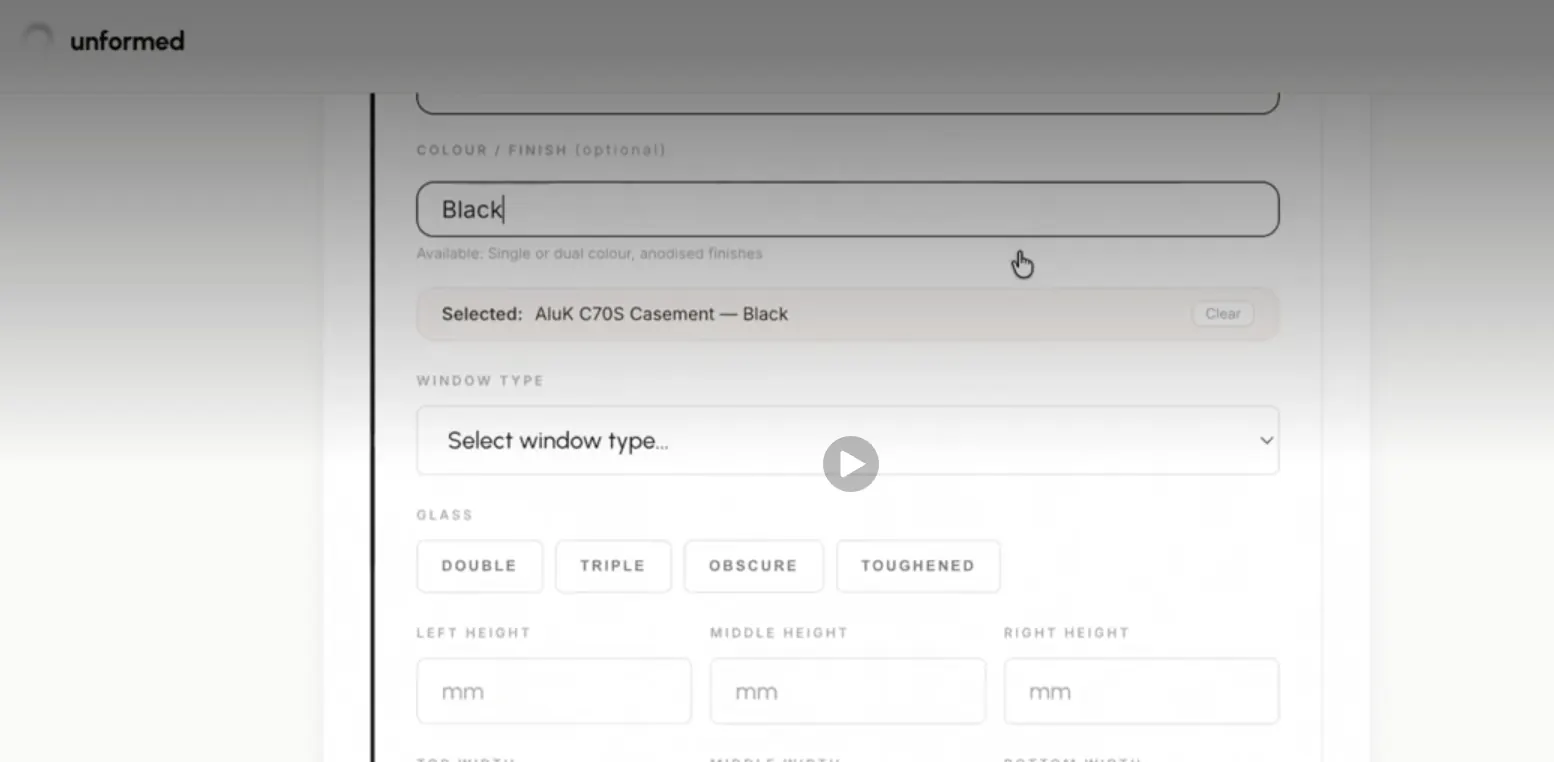
Set the frame colour
Choose the frame colour. Colours apply to the frame/profile only — the glass stays clear.
Set the configuration
Set the number of sections/panes and opening details so the render’s proportions are right.
Repeat per opening
Each opening is independent — give each its own product and colour.
Tips
- Standard colours (anthracite, black, white, greys) render most reliably.
- Match the real SKU you’re quoting so the proposal is accurate.
← All guidesStill stuck? Email support@unformed.app.