Customer options & interior views
Not sure which finish your client will love? Offer a few options side by side, and show the view from inside the room — two powerful ways to close.
Watch the walkthrough — or follow the written steps below.
Add an option
In the Customer Options section, add a variant (e.g. anthracite vs white frames). Each option renders separately.
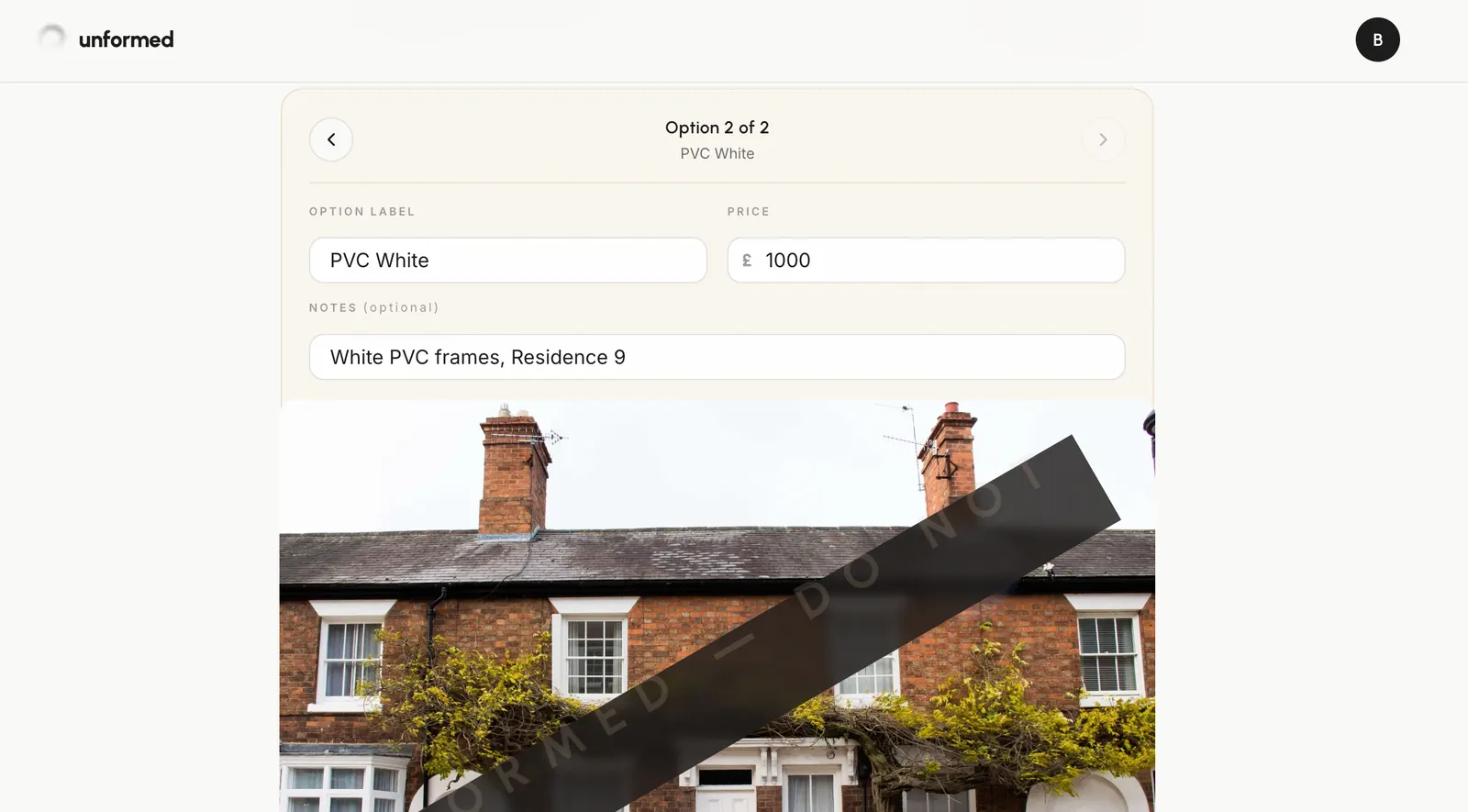
Override per option
Each option can change colours or products while sharing the same pinned layout, so the comparison is fair.
Generate all options
Generate, and each option produces its own render for the client to compare.
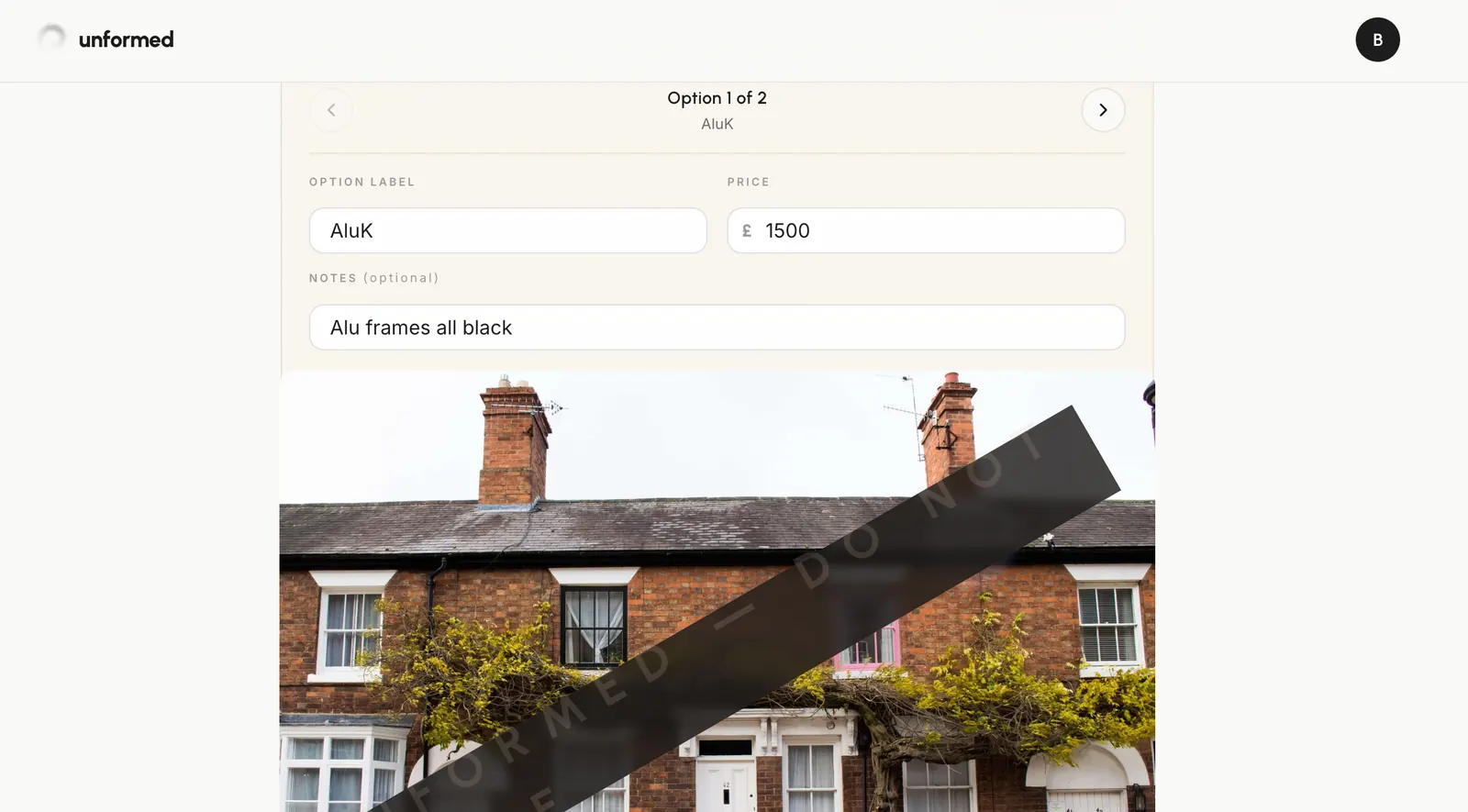
Add interior views
Pin the handle and vent position on a from-inside photo of a window to add an interior render — the view your client actually lives with.
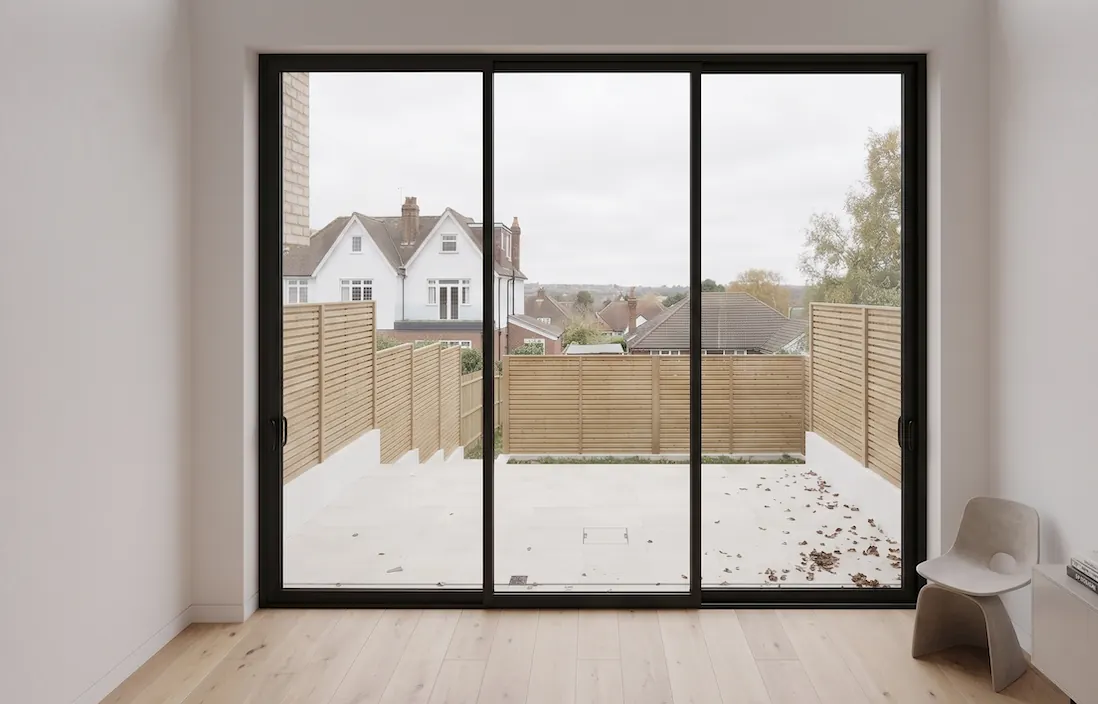
Share it all
Every option and interior view flows into the branded brochure automatically.
Tips
- Two or three options is the sweet spot — enough to choose from, not so many it overwhelms.
← All guidesStill stuck? Email support@unformed.app.