Welcome to Unformed
Unformed turns a property photo into photoreal renders of new windows, doors and building works — then into a branded proposal you can send in minutes. Here is the lay of the land.
Watch the walkthrough — or follow the written steps below.
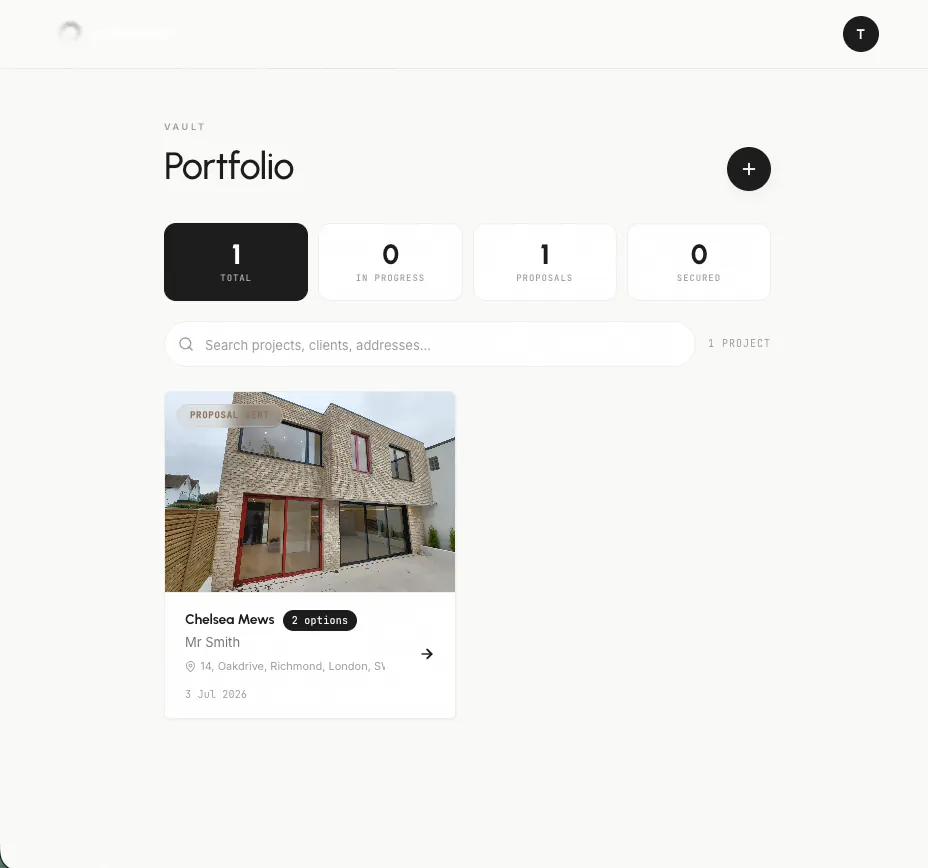
Your project vault
The Projects vault is home base. Every job lives here as a project, holding its photos, renders and proposal in one place.
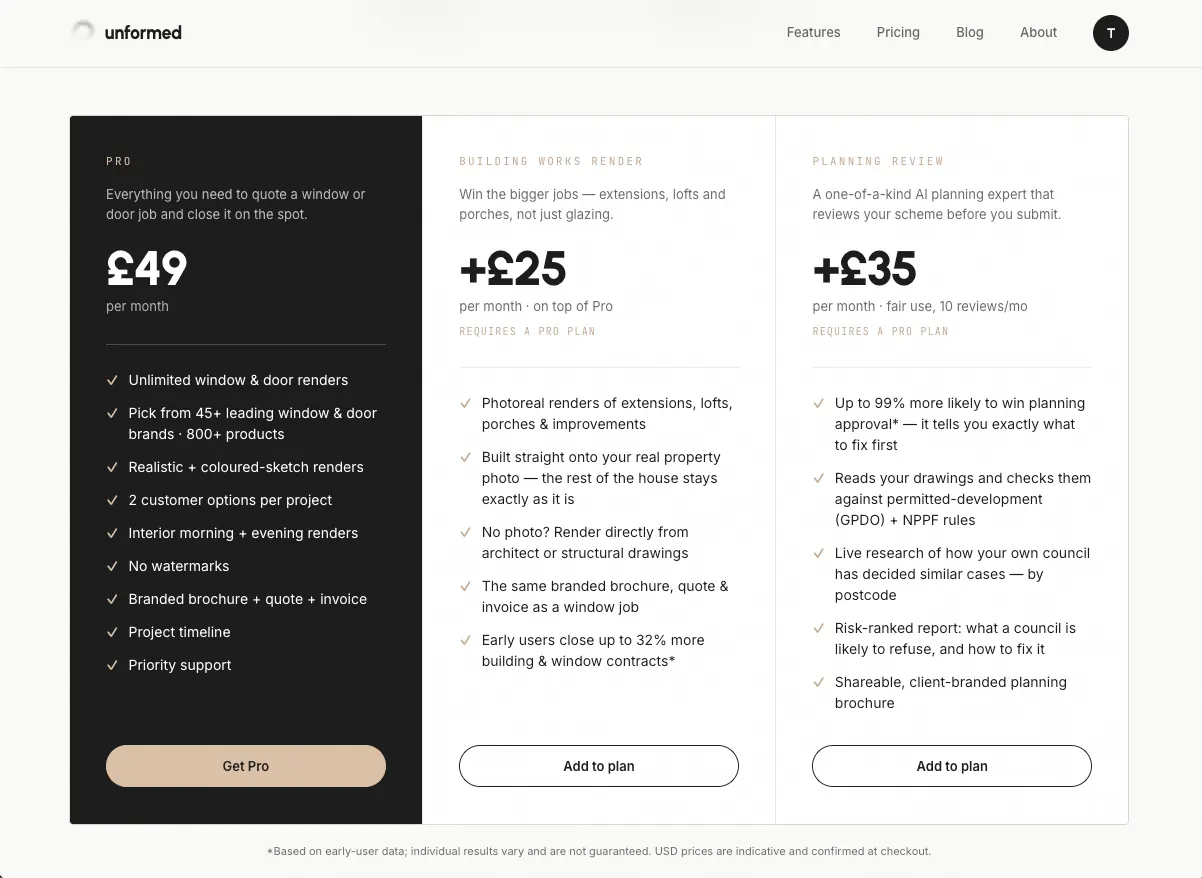
Free vs Pro
A free account gets one render to try the quality. Pro unlocks unlimited renders, the vault, Building Works, Planning Review and branded proposals.
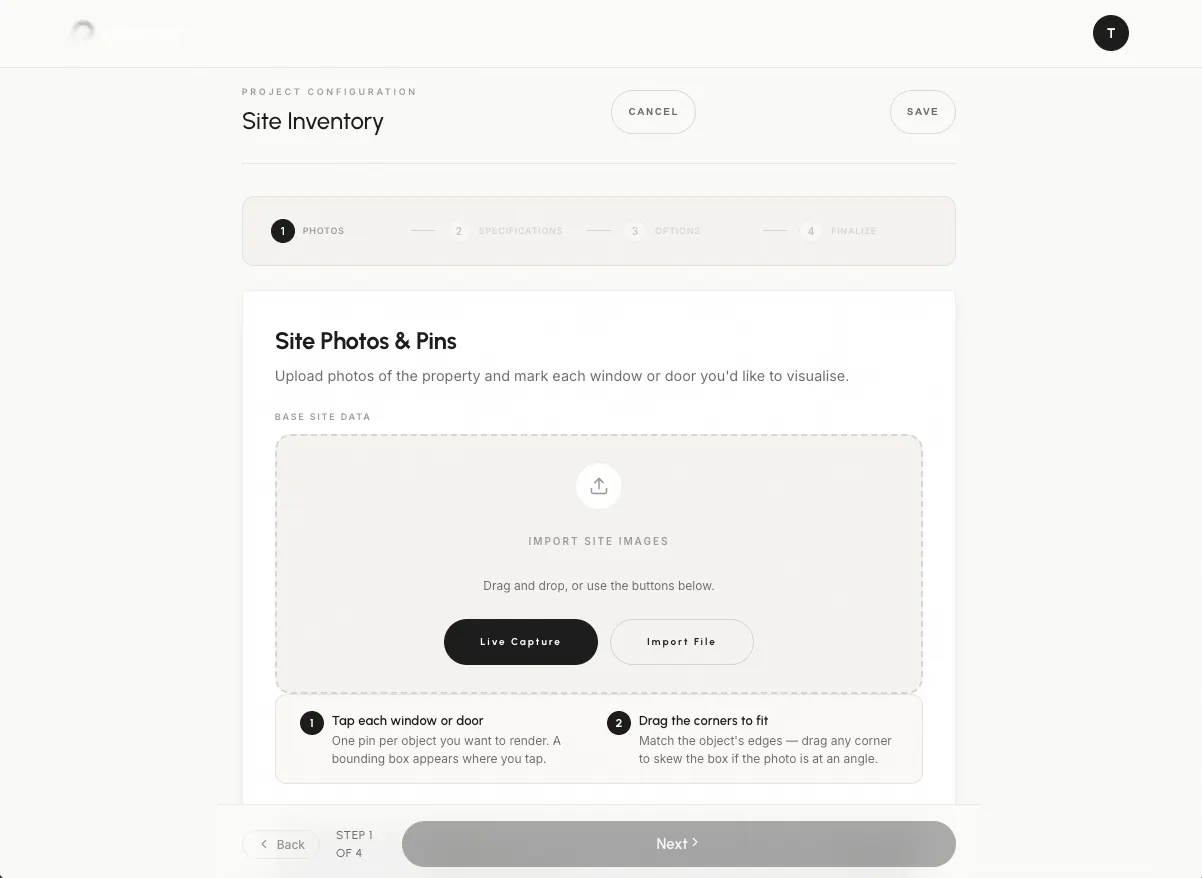
Create & render
Tapping “New Project” walks you from a photo, to marking the openings, to picking products, to a finished render — usually in a couple of minutes.
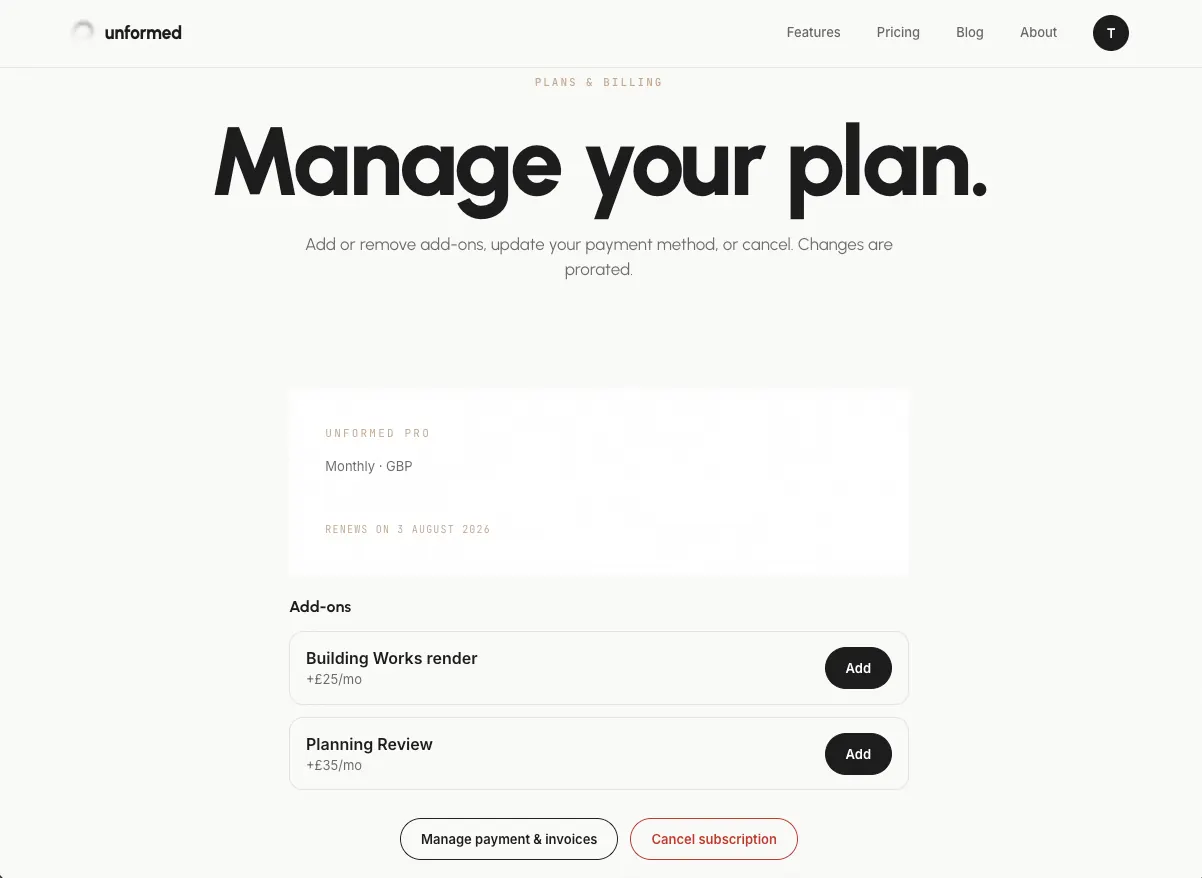
Add-ons
Building Works renders and a UK Planning Review are optional add-ons you switch on from Billing whenever you need them.
Get help anytime
This guides library and support@unformed.app are always a click away from your account menu.
Tips
- Set up your company profile first so everything is branded.
- The free render is the fastest way to see the quality for yourself.