Upload a photo. See the new windows on the actual house.
A window visualiser that edits a photograph of the real property rather than showing a stock image. Mark the windows and doors you would replace, choose the product and frame colour, and get a photoreal before-and-after in minutes.
Your first render is free. No card, no install.
Three steps, about two minutes
- Photograph the front of the house, or upload a photo you already have.
- Mark each window or door you would replace by drawing round it.
- Pick the product, the frame colour and the glass, and generate.
Everything you did not mark is left exactly as it was — the brickwork, the roof, the neighbouring house, and any window the customer is keeping.
It edits the customer's own house
Most window visualisers show a product on a generic property, which asks the homeowner to imagine the rest. This one does the opposite: each opening you mark is rendered on its own and composited back into your photograph, so the result is their house with new windows in it. That is the difference between a brochure and a decision.
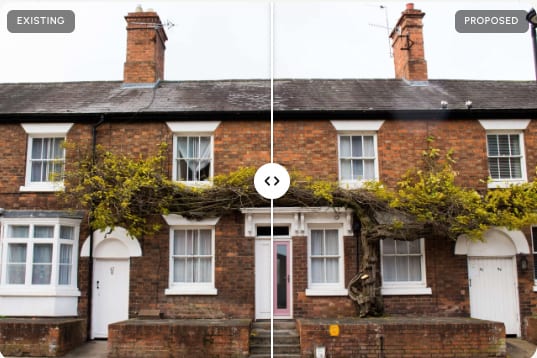
Real products, real frame colours
Not generic rectangles. Choose the manufacturer, the product line, the frame colour and the glass, and the render shows what you are actually quoting — 45+ brands · 800+ products. Section counts and mullions are held to the specification rather than invented, so what the customer approves is what turns up on the van.
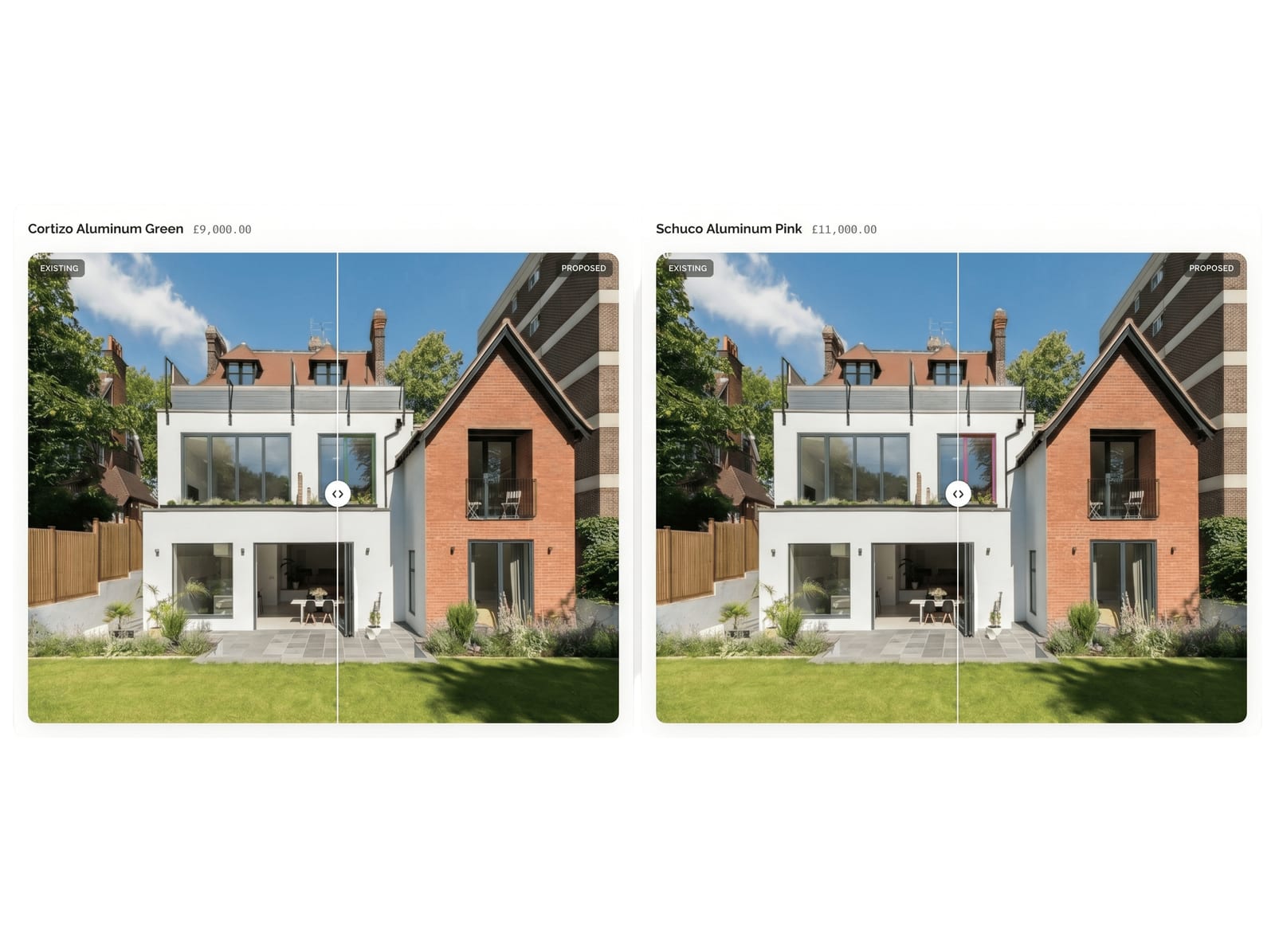
Made for the doorstep, not the desk
Photograph the property, mark the openings and render it on a phone while you are still on site. The customer gets a branded link with the before-and-after, the full specification and your price — opened in any browser, no login, no PDF. Quotes that arrive while the conversation is still warm get answered.
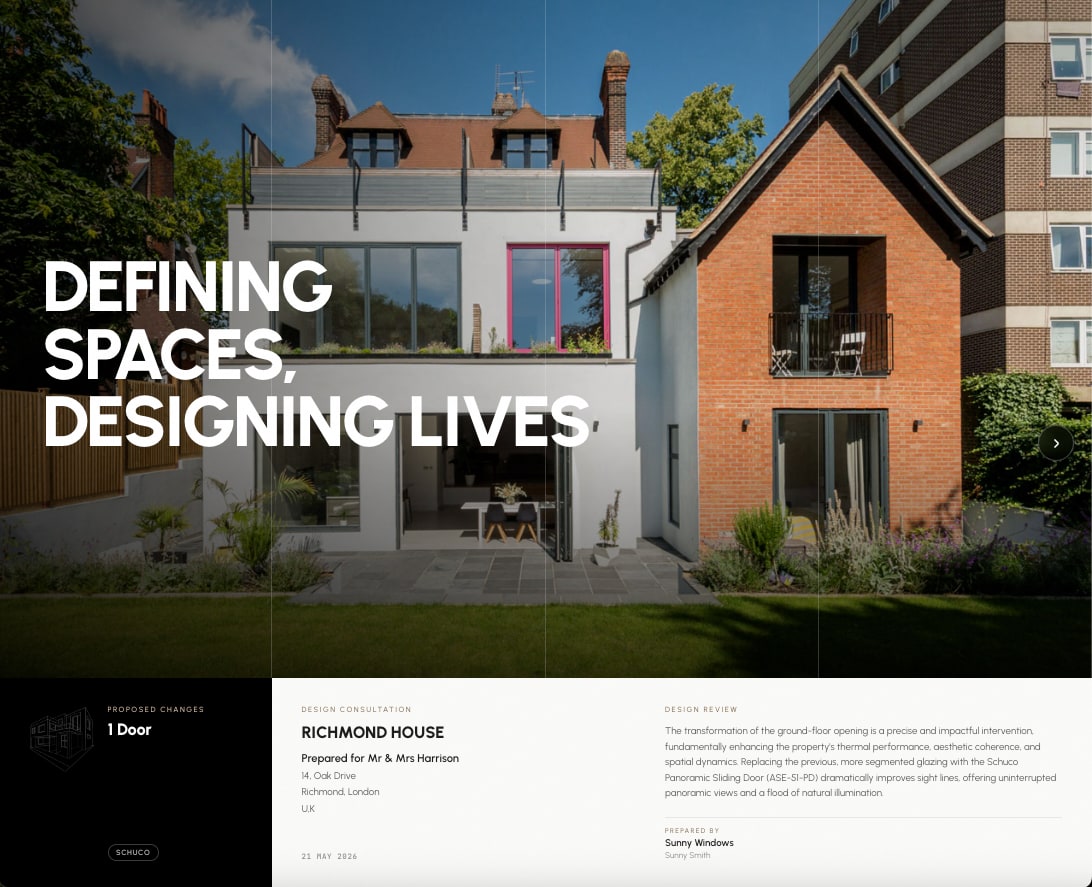
Who it is for
If you fit windows, this is a sales tool: it shortens the gap between the survey and the signature, and it makes a one-van business look like a national brand. If you own the house, it answers the question no brochure can — what these specific windows look like on this specific property, before anyone spends anything.
Questions people ask before they try it.
Is the window visualiser free to try?
Do I need to upload a photo of the house?
Does it use real window products or generic shapes?
Will it change the rest of the house?
Does it work on a phone?
Can I visualise doors and extensions too, not just windows?
Is this a window visualizer for US installers as well?
What can I send the customer afterwards?
See it on the house before you quote it.
Upload a photo and get your first render free. No card, nothing to install — you will know within two minutes whether it is good enough to put in front of a customer.